
Description
Grid Creator Tool
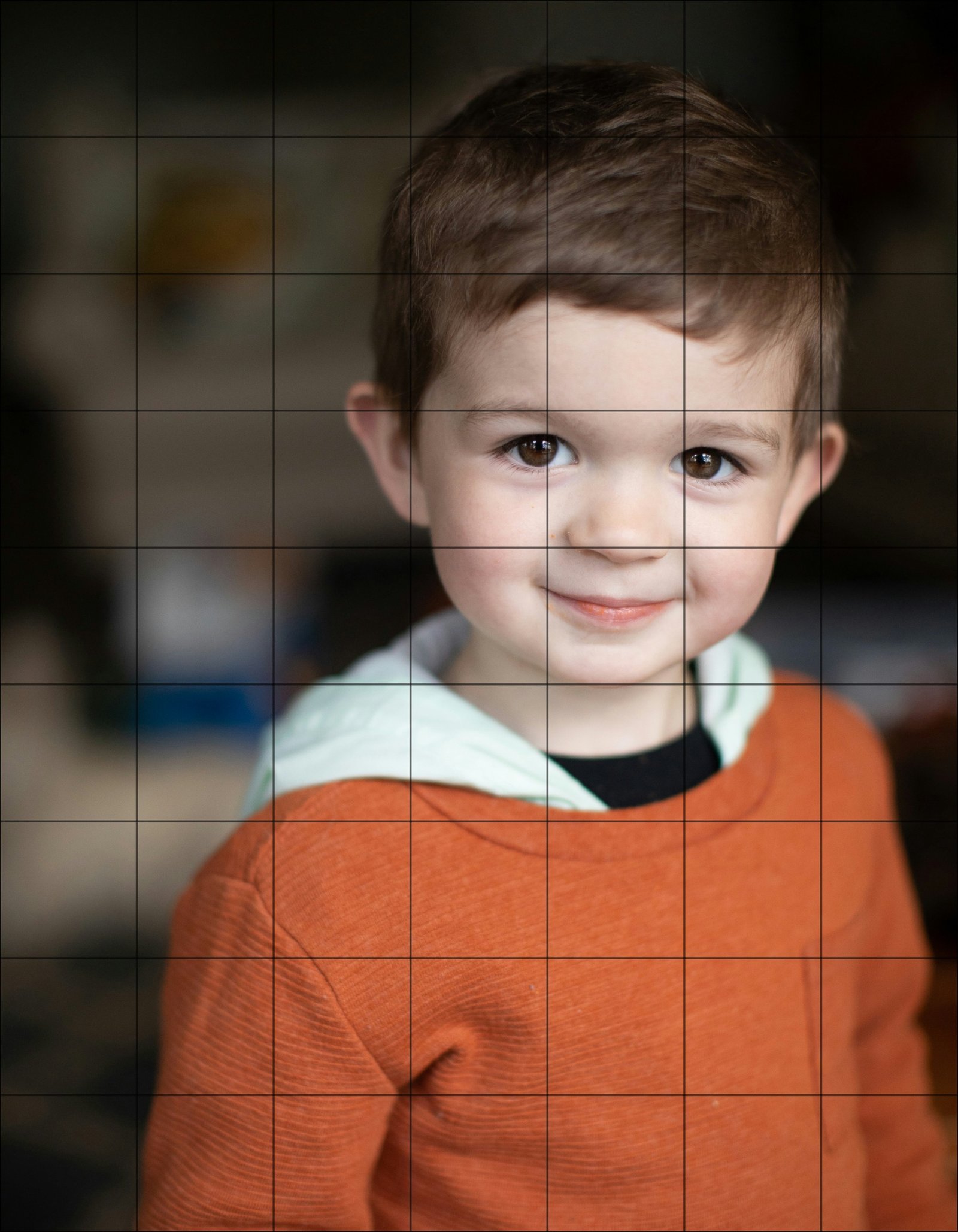
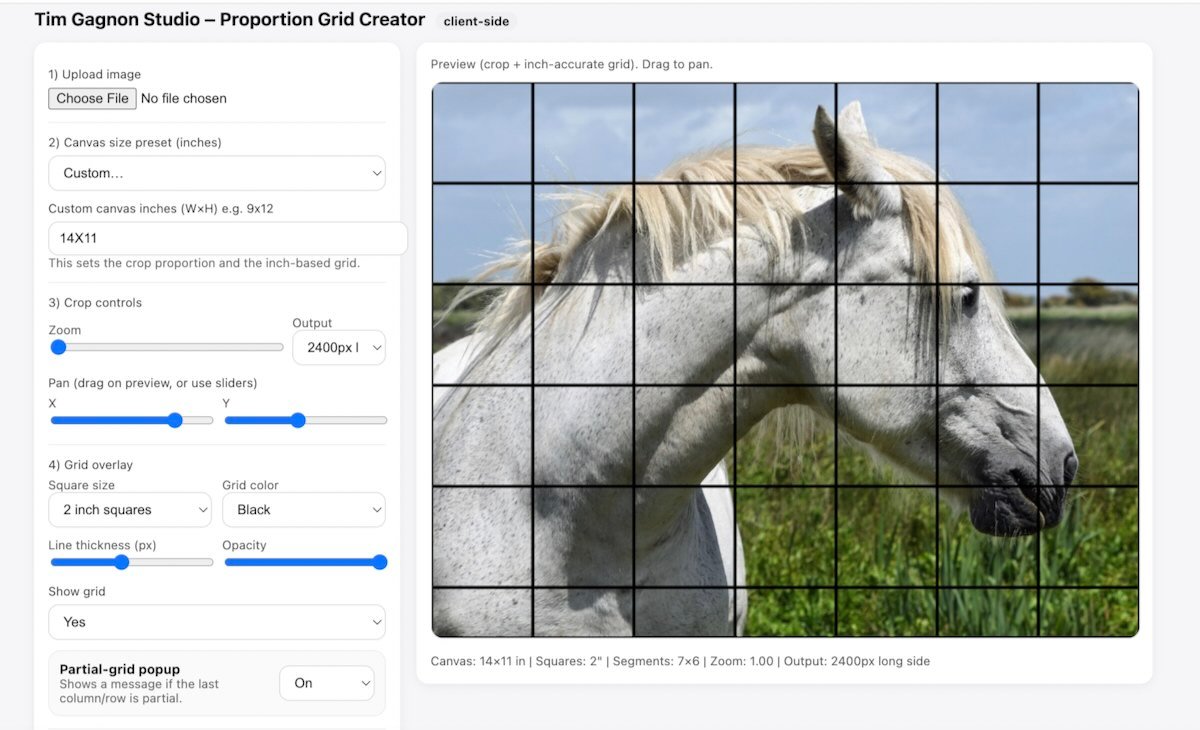
The Grid Creator removes frustration from the drawing stage so you can focus on painting.
Upload your reference photo, choose your canvas size, and generate a perfectly scaled grid in seconds. Adjust line weight, spacing, and opacity to match your preference — subtle enough to guide you, clear enough to keep you accurate.
No rulers. No re-measuring. No second guessing proportions.
Whether you’re working on a complex portrait or a detailed landscape, this tool helps you start with confidence and precision — so your painting doesn’t fall apart later.
A strong foundation changes everything.
Stencil Maker
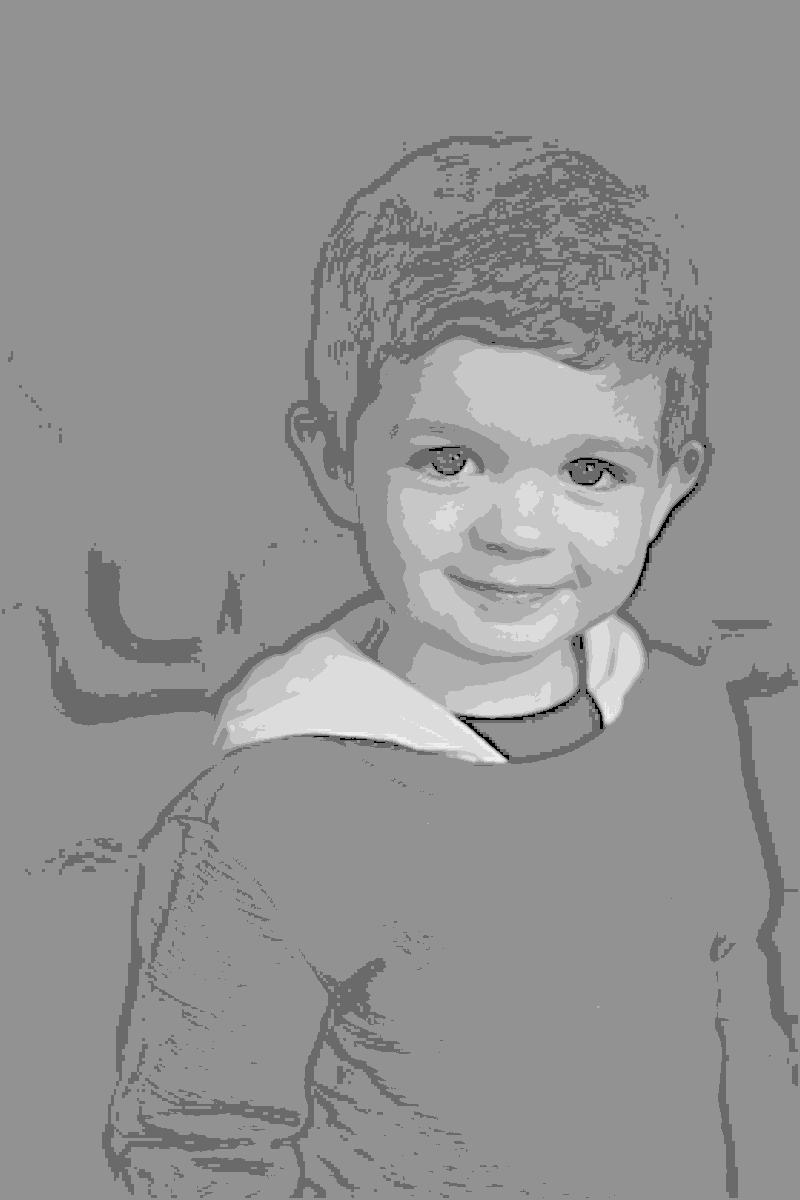
The Stencil Maker transforms your reference image into a clean, printable line drawing — ready for easy transfer to canvas.
Instead of spending hours refining outlines, you can isolate the essential shapes and edges in minutes. Adjust line sensitivity to control the level of detail — bold and simplified or refined and precise.
Perfect for:
-
Commissions
-
Large-scale work
-
Time-sensitive projects
-
Artists who want accuracy without overworking
It’s not about skipping skill — it’s about saving energy where it counts.
Spend your time painting, not tracing.
Color Mix Finder
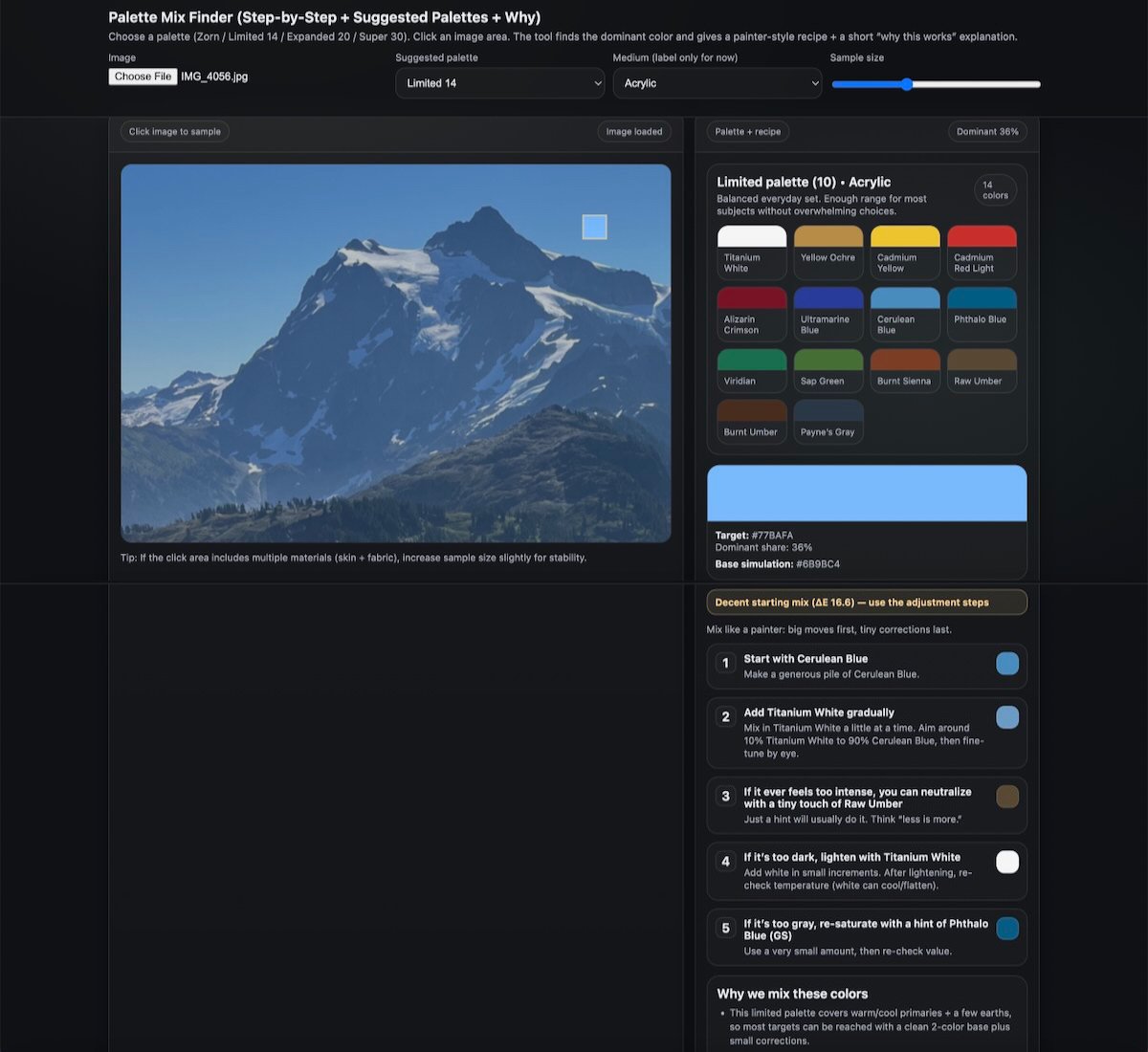
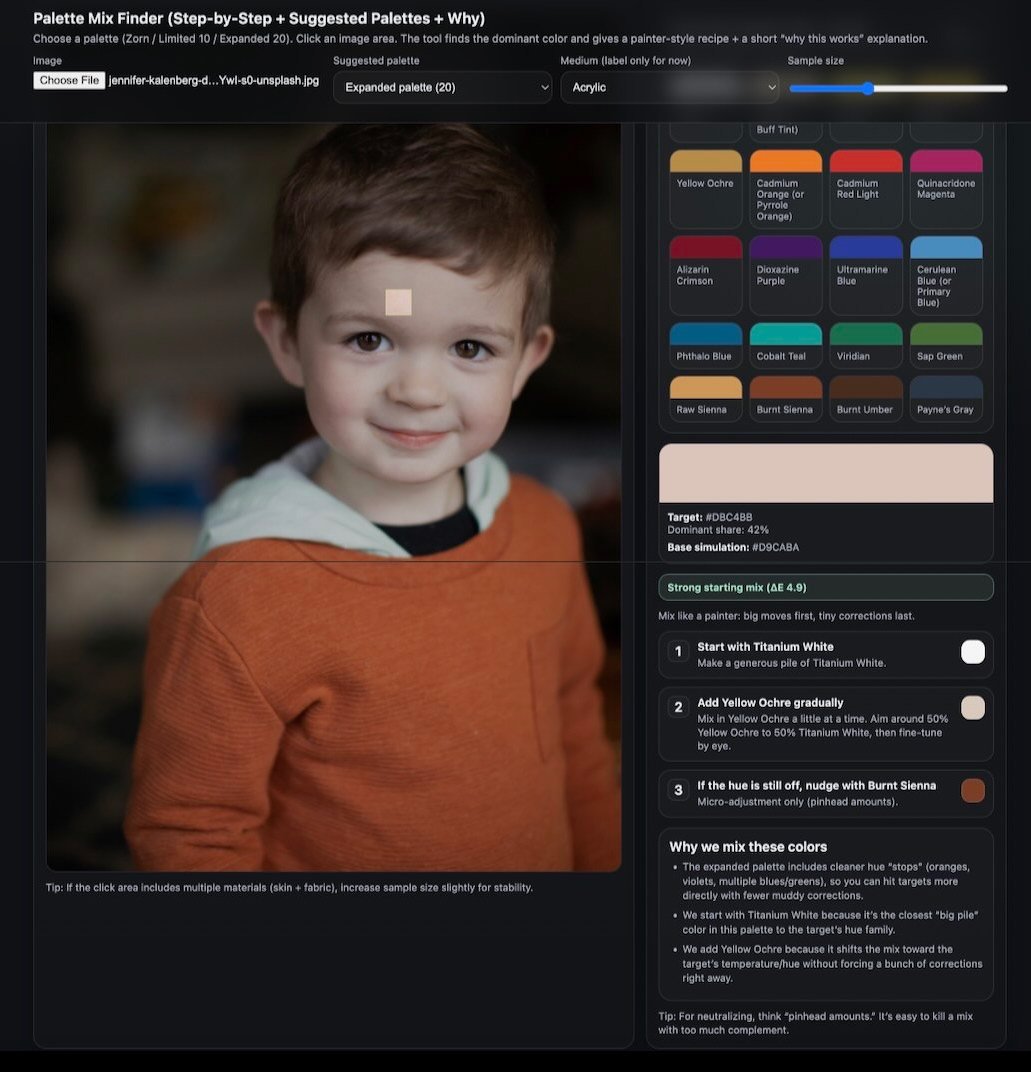
The Color Mix Finder helps you mix smarter, faster, and with more confidence.
Upload your reference photo, choose your palette (Zorn, Limited 10, or Expanded 15), and click any area. The tool suggests practical starting mixtures based on real paint behavior — not abstract theory.
You’ll see:
-
Where to start
-
What to add next
-
How to adjust value
-
How to control saturation
-
And why the mix works
No more muddy experiments. No more wasted paint.
It’s like having a mixing assistant at your easel — guiding you toward better color decisions while still letting you stay in control.
Value Scale Analyzer
Strong paintings begin with strong values — and this tool helps you see them clearly.
The Value Scale Analyzer evaluates your painting photo and provides objective feedback on:
-
Value range
-
Contrast strength
-
Light and shadow grouping
-
Edge control
-
Detail density
With visual overlays and clear guidance, you can spot weaknesses before they become problems.
Instead of guessing why a painting feels “off,” you’ll know exactly where to adjust.
It doesn’t replace your eye — it trains it.
The more you use it, the sharper your judgment becomes.
Tonal Photo Reference Tool
The Tonal Photo Reference Tool converts your color photo into a clean, painterly tonal reference — similar to working in burnt sienna and titanium white.
Rather than harsh grayscale filters or muddy conversions, this tool simplifies your reference into a balanced value structure that feels natural and readable.
It clarifies:
-
Light vs shadow separation
-
Midtone relationships
-
Overall value design
Perfect for underpaintings, planning stages, or practicing tonal control without color distraction.
When your values are clear, your painting becomes stronger — before you ever touch a final layer of color.
Clarity at the beginning saves frustration at the end.